The original room
One photo. The chandelier ballroom, the cup, the turn to the crowd.
Private club barBe the one walking into the party everyone is posting. Upload a photo, and Burning Bridges AI builds the room, the crowd, the cup and the camera moves around you.
From $9.99 per video · Pay once, no subscription
Every take below is one generation, posted as it came out. All the people in them are original AI characters.
One photo. The chandelier ballroom, the cup, the turn to the crowd.
Private club barBucket hat, pineapple shirt, socks with sandals. Same ballroom, same toast, zero shame.
Private club barSame moves, new room: a city rooftop, and a friend who joins the final toast.
City rooftop · +1 friend · BetaA neon club and three friends from three photos. She points out her crew, then everyone gets the last toast.
Neon club · +3 friends · BetaEvery take follows the same running order as the party scene. Your face and your outfit change. The timing does not.
The look: warm chandelier light, a packed room, a silver cup in your hand and a handheld camera that never stops moving.
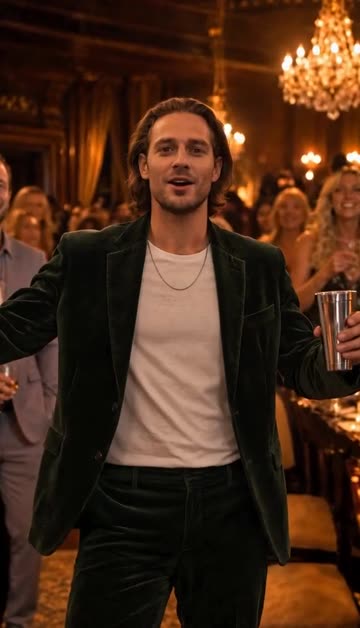
You step into the chandelier room with one arm out and the silver cup in your hand while the crowd makes space.
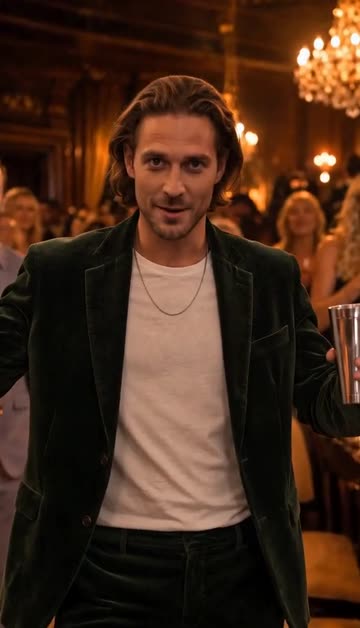
The camera rushes in. You play to the lens with a big gesture. This is the frame people screenshot.
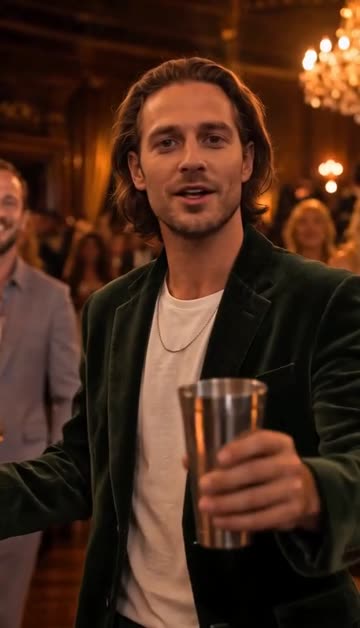
You raise the silver cup straight at the viewer, a toast to whoever is watching.
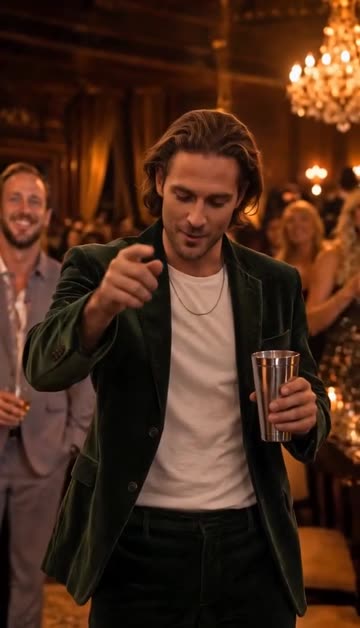
A loose point toward the camera, then down, bouncing to the beat while the crowd dances behind you.
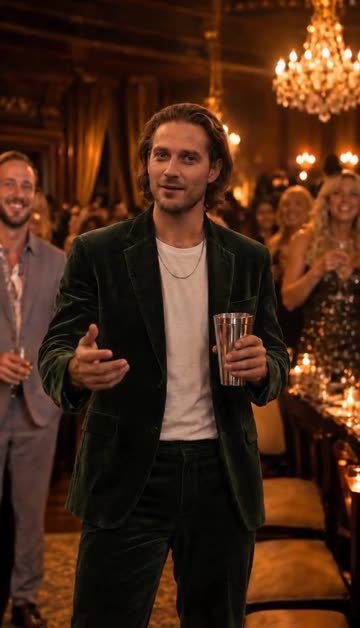
Hand to the collar, chin up. The smug moment that makes the trend funny with any face.
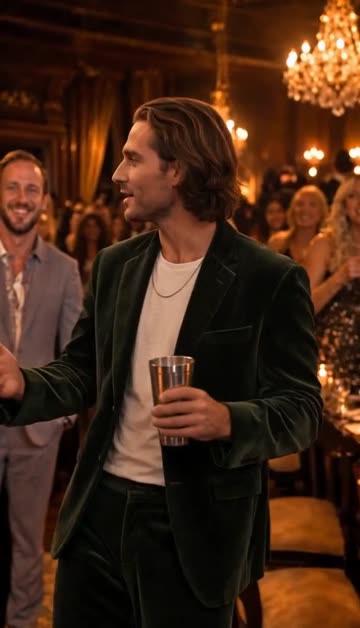
You turn and point at the people around you. If you added friend photos, this is where they show up.
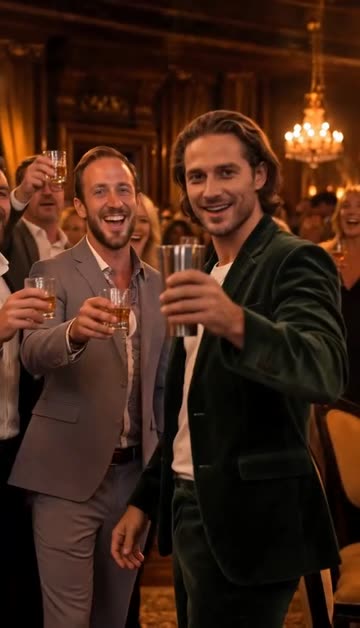
The crowd closes in, cups go up, and the take ends on a full group toast.
No reference clip to find and no prompt to write. The party is already built; your photo is the only thing you choose.
One clear photo, face fully visible. Yourself, or a friend who said yes.
The AI recreates the room, the crowd and the moving camera around you. Close the tab if you like; it waits in My videos.
Post the portrait MP4 to TikTok, Reels or Shorts, add the trend sound in the app, and label it as AI-generated.
One template, four ways to make it yours. Friends and rooms are in beta and cost no extra credits.
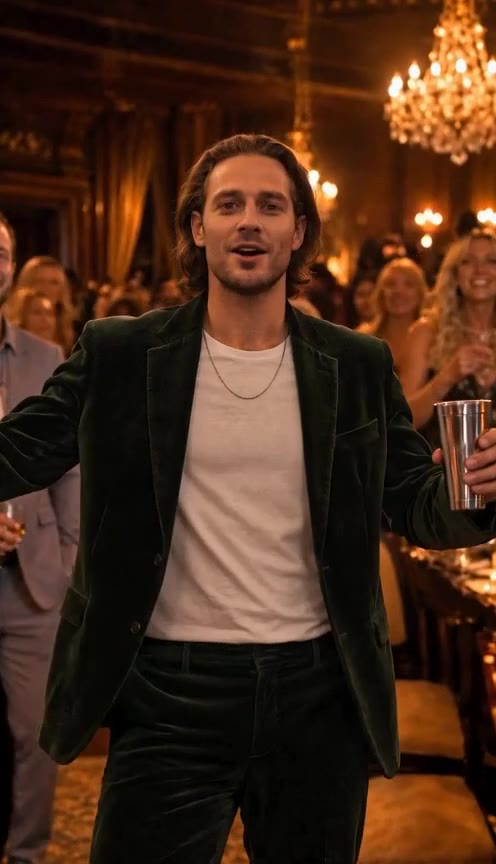
Just you, the chandeliers and the cup. The original room, the full 15 seconds.
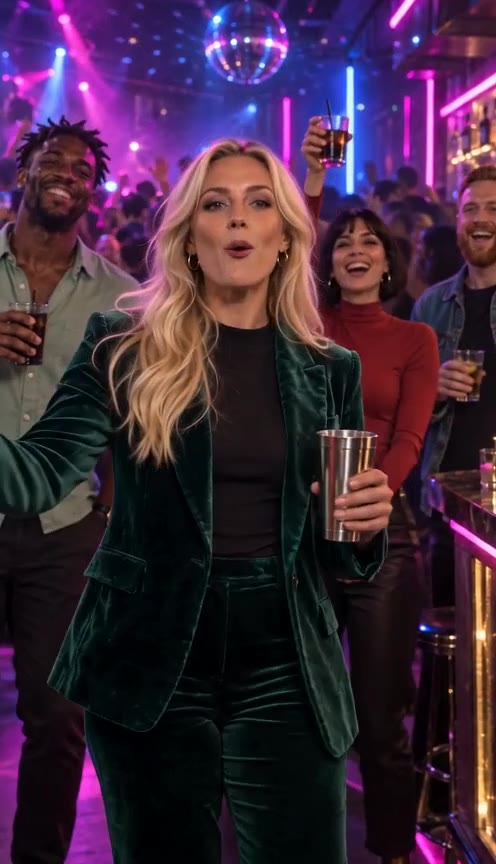
Add up to 3 friend photos. They fill the crowd and join the final toast.
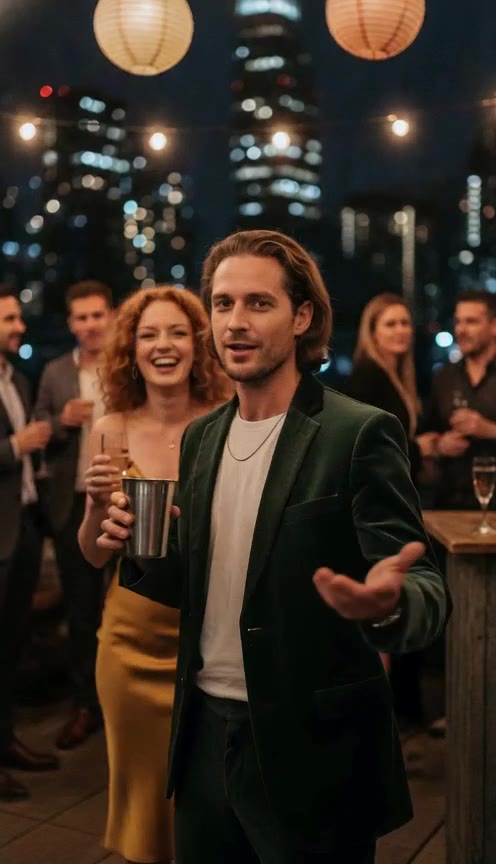
Swap the ballroom for a rooftop or a neon club, or upload a photo of your own place.
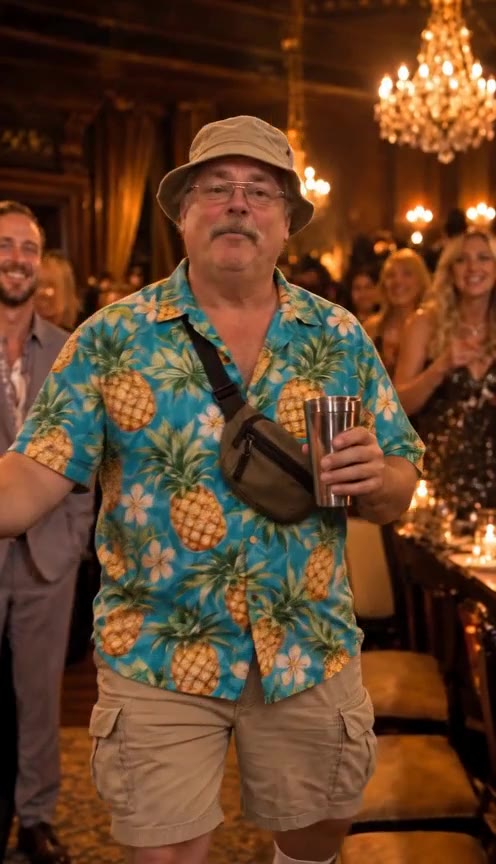
A socks-and-sandals dad, a wedding DJ uncle, a knight in full armor. Dress up for the photo and the party plays along.
Only upload yourself or adults who agreed to be in your video. No photos of celebrities.
Most tutorials for the trend use a general AI video tool. Here is what each route asks of you and what you get back.
Buy credits once. A 15-second video uses 100 credits, friends and rooms included. No subscription, no recurring charge.
1 video of 15 seconds
Buy credits3 videos of 15 seconds
Buy credits10 videos of 15 seconds, $5.00 each
Buy creditsAdd up to 3 friends to the crowd · MP4 download for TikTok and Reels · Failed generations refunded
Burning Bridges AI is a wave of AI-made videos built on the party scene from Drake's Burning Bridges music video: a warm room under crystal chandeliers, a packed crowd, a silver cup and a handheld camera that circles the lead.
From late September 2026, people started putting themselves, their friends and all kinds of unlikely characters into that scene with AI video tools, and posting the results on TikTok, Instagram Reels and X.
This site does one thing: it makes that video from a single photo. It is an independent tool, not affiliated with Drake or any rights holder, and every person in our examples is an original AI character.
People put themselves, their friends or funny characters into the chandelier party scene from Drake's Burning Bridges music video using AI video tools, then post the clips on TikTok, Instagram Reels and X.
No. Every video uses real AI computing time, so this generator is paid: a 15-second video costs $9.99, and if a generation fails for a technical reason your credits come back automatically.
You buy credits once. 100 credits cost $9.99 and make one 15-second video. 300 credits cost $19.99 and make three. 1,000 credits cost $49.99 and make ten, $5.00 each. There is no subscription and no recurring charge.
Sign up, upload one clear photo, optionally add friends or a new room under More options, and generate. Then download the MP4 and post it.
No. The moves, camera and timing are already built in. You only upload a photo.
One person facing the camera, face sharp and fully visible, even light and no heavy filters. Head and shoulders or waist up works best.
Yourself, or people who agreed to be in your video. Do not upload photos of celebrities or of anyone without their permission.
No. Your video comes with an original party beat and crowd sound generated with it. Add the Burning Bridges sound in TikTok or Instagram when you post.
15 seconds, as a 480p portrait MP4 with sound, sized for TikTok, Reels and Stories.
Yes, in beta. Add up to 3 friend photos and pick a new room or upload your own place under More options. Extra photos do not cost extra credits.
A full take usually renders in under 10 minutes. You can leave the page and come back to My videos.
If a video fails for a technical reason, the credits for it go back to your balance automatically.
Yes. The download is a portrait MP4 ready to post. Label it as AI-generated where the platform asks.
Your photo is resized and its metadata removed. Only you and administrators can access it, and you can delete a project and its photo at any time.
No. This is an independent fan tool. It is not affiliated with, endorsed or sponsored by Drake, his record labels or any rights holder.
One photo, a few minutes, and the chandelier room is yours.
Make my Burning Bridges video